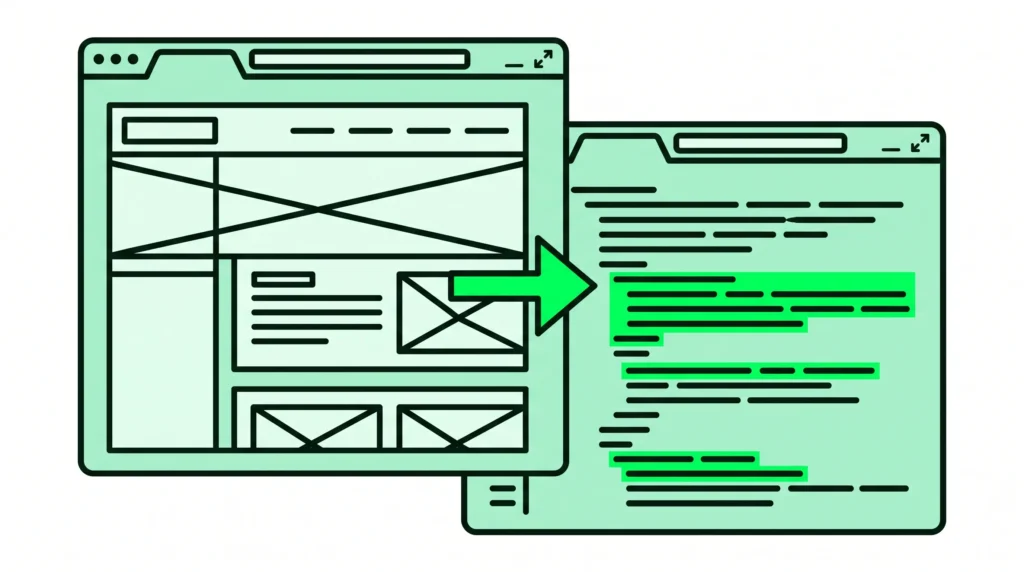
An HVAC website template can get you online in an afternoon. You get a layout designed for heating and cooling companies, placeholder service pages and a spot for your phone number. What a template will not do is decide which pages you need, write them, or set them up so Google shows you in the towns you actually cover.
This guide is for owners of HVAC and plumbing companies choosing between a template and a custom build. It covers what good HVAC website templates include, where they fall short, and how to tell whether one is enough for your business. I build WordPress websites for trades businesses, so I will also use two real projects: one that started from a template and one that did not.
The short answer
- A template is usually enough if you work in one town, offer a handful of services and get most of your work through referrals.
- A template becomes a problem once you cover several towns, offer many services, or rely on Google for emergency calls. Those businesses need service pages and location pages, and a template ships with neither.
- Whatever you use, check three things: the phone number on a phone, the page speed, and whether the site is actually allowed to appear in Google.
What an HVAC website template gives you
Most HVAC website templates, whether they are WordPress themes or page builder kits, come with the same parts:
- A homepage with a photo of a technician or an outdoor unit, a phone number and a booking button.
- Placeholder pages for AC repair, furnace repair, installation and maintenance.
- A contact form and an about page.
- Demo content, meaning stock photos, sample testimonials and filler text you are supposed to replace.
That is a reasonable starting point. The layout work is mostly done. The part that brings in calls, the content and the page structure, is left to you.
Where templates fall short for HVAC companies
Service pages need real content
A homeowner searching for furnace repair wants a page about furnace repair. It should say which systems you work on, whether you take emergency calls and how quickly you can get there. A template gives you a page with that title and a paragraph of filler. Writing ten proper service pages is the job most owners never get round to, so the placeholders stay up for years.
Templates do not include location pages
Google says local results are based mainly on relevance, distance and prominence (Tips to improve your local ranking on Google). If your office is in one suburb and you cover thirty, one page can only be relevant to a small part of those searches. A page for each area fixes that.
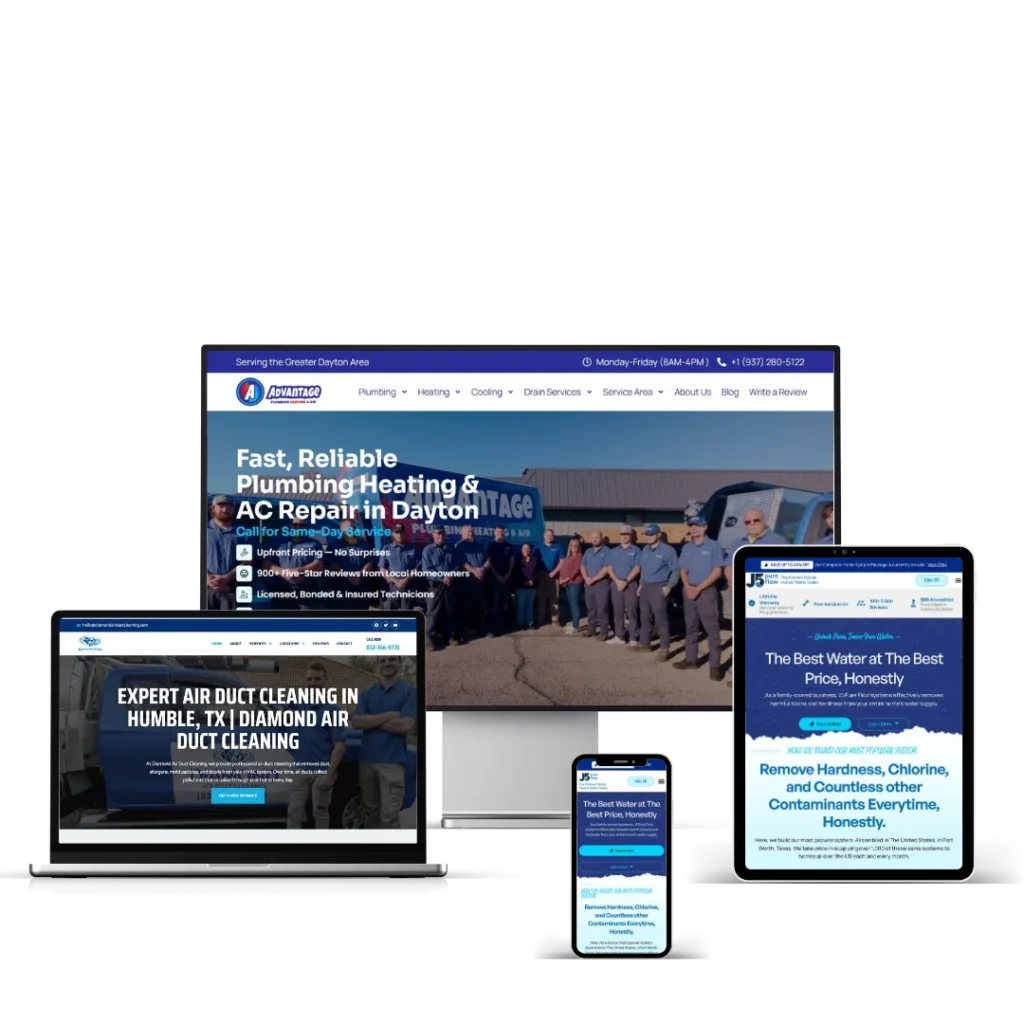
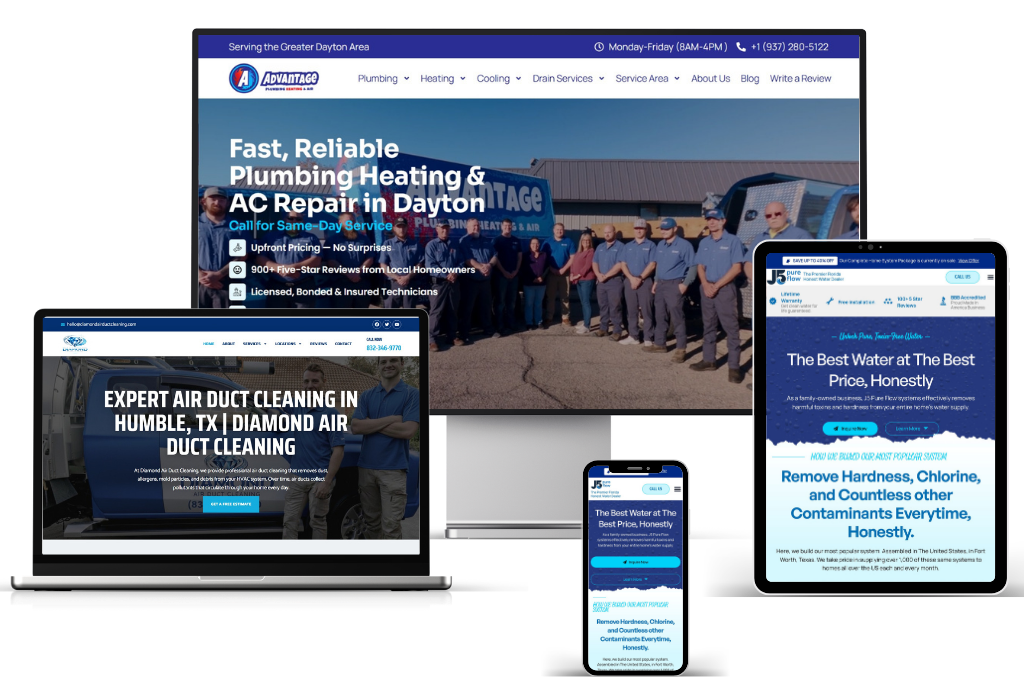
When I built the site for Diamond Air Duct Cleaning in Houston, it became a 32-page build with more than 50 location pages behind it, so the business shows up across the metro rather than in one suburb. No template comes with that structure. I explain how I plan it for HVAC companies in Houston and HVAC companies in Austin.
Leftover settings can hide the site from Google
Themes and demo imports sometimes leave settings behind that stop a site from ranking at all. Cameron at Airsmarthome.com hired me to install an HVAC WordPress theme. I set up the CoolAir theme with its fourth homepage layout as the default, and while doing it I found a noindex error that was keeping the site out of Google. I fixed the error and submitted the site to Google Search Console.
“Saqlain did a phenomenal job uploading my WordPress theme and optimising my website for Google. If you want to work with an extremely talented person with common sense, look no further.”
Cameron, Airsmarthome.com
That project is a fair picture of templates. The theme looked right from the first day. The site still needed someone to check what was underneath it.
Demo sites are often slow
Template demos are built to impress, so they load sliders, animation scripts and large images on every page. Google’s Core Web Vitals set clear targets: the main content should load within 2.5 seconds, the page should respond to a tap within 200 milliseconds, and the layout shift score should stay at 0.1 or less (web.dev). Test your template on a phone with PageSpeed Insights, not on your office computer.
What good HVAC website examples have in common
Whether a site started as a template or not, the HVAC websites that get calls usually share these basics:
- The phone number is visible on a phone without scrolling, and tapping it starts a call.
- Every main service has its own page.
- Every town or area you cover has its own page with real local detail.
- The photos show your own vans, team and jobs.
- Reviews appear with the customer’s first name and town.
- Certifications are stated plainly, for example NATE certification or EPA Section 608 certification for refrigerant work.
- There is a quote form for planned work and a call button for emergencies.
- LocalBusiness schema markup tells search engines your business name, address and phone number (Google’s documentation).
A template can take care of the first and seventh points. Everything else depends on content and setup.
Plumbing and heating website templates
If you run a combined plumbing and heating company, a plumbing and heating website template has one specific weakness. It tends to treat both trades as a single list of services. A homeowner with a burst pipe and a homeowner with a dead furnace search in different ways, so they need different pages. Split the services even if the template does not.
Template or custom build?
| Your situation | Template | Custom build |
|---|---|---|
| One town, a few services, mostly referrals | Usually enough | More than you need |
| Several towns or suburbs | Location pages must be added by hand | Planned in from the start |
| Emergency calls from Google | Needs speed and mobile work | Built around the call button |
| Replacing an old site that already ranks | Risky without redirects | Redirects mapped before launch |
Frequently asked questions
Are HVAC website templates bad for SEO?
No. A template is only a layout. SEO problems come from what is missing around it: thin service pages, no location pages, slow demo content, or a leftover noindex setting. A template that has been properly filled in and checked can rank. One that has been installed and left alone usually does not.
How much does a custom HVAC website cost?
My Starter build is $800 for up to 5 pages, delivered in 7 days. The Business build is $1,400 for up to 10 pages with a custom design and SEO setup, delivered in 14 days. Sites with many location pages are quoted per project. Everything is listed on the pricing page.
Can I start with a template and upgrade later?
Yes. Keep a list of your page addresses as you go. When the site is rebuilt, each old address needs a 301 redirect to its new page so you keep the rankings you have built up. Google’s own guidance recommends permanent server-side redirects for this (Redirects and Google Search).
Want a second opinion?
If you are weighing up a template, or you want a site built around your own services and service area, send me a message. I work EST hours and reply within 24 hours. Call +1 (239) 799-3971 or get a quote. You can also read how I build WordPress websites for trades businesses and the HVAC and plumbing sites I work on.