If your contractor website gets visitors but the phone stays quiet, the cause is usually one of a small number of problems. Most of them can be checked in ten minutes on your own phone. This article goes through the eight I see most often when I look at trades websites, with a test for each one and the fix.
It is written for owners of HVAC, plumbing, electrical, roofing, cleaning and landscaping businesses whose website is not bringing in the work they expected.
The short answer
The most common reasons a contractor website isn’t converting are a phone number that is hard to find on a phone, a slow mobile site, and pages that do not match what the visitor searched for. Fix those three before you spend anything on ads or a redesign.
First, decide what counts as a conversion
For a contractor, a conversion is a phone call, a quote form or a booking. Before you change anything, find out how many of those the site produces now. Ask every new customer how they found you, and check how many form emails arrived last month. Without a starting number you cannot tell whether a change helped.
1. The phone number is hard to find on a phone
Test: open your homepage on your phone. If you have to scroll or open a menu to find the number, that is the problem.
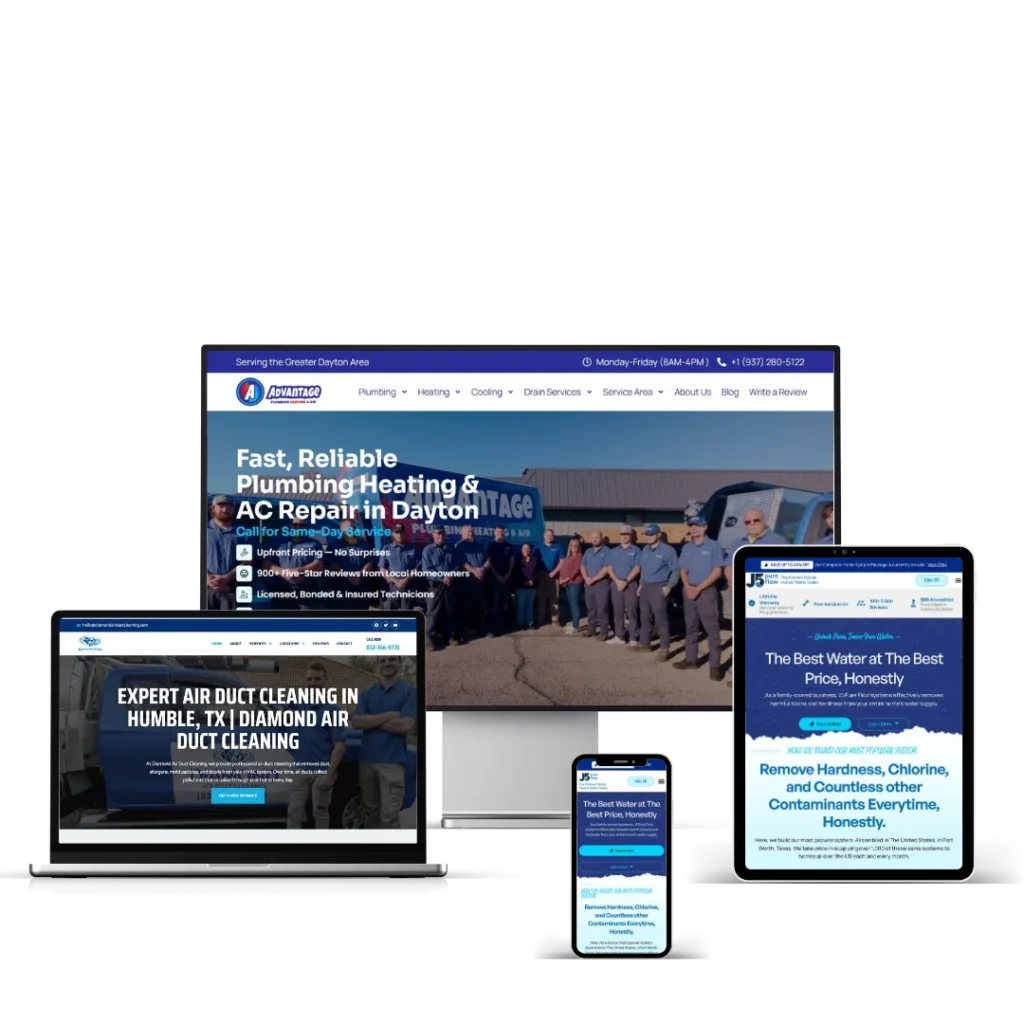
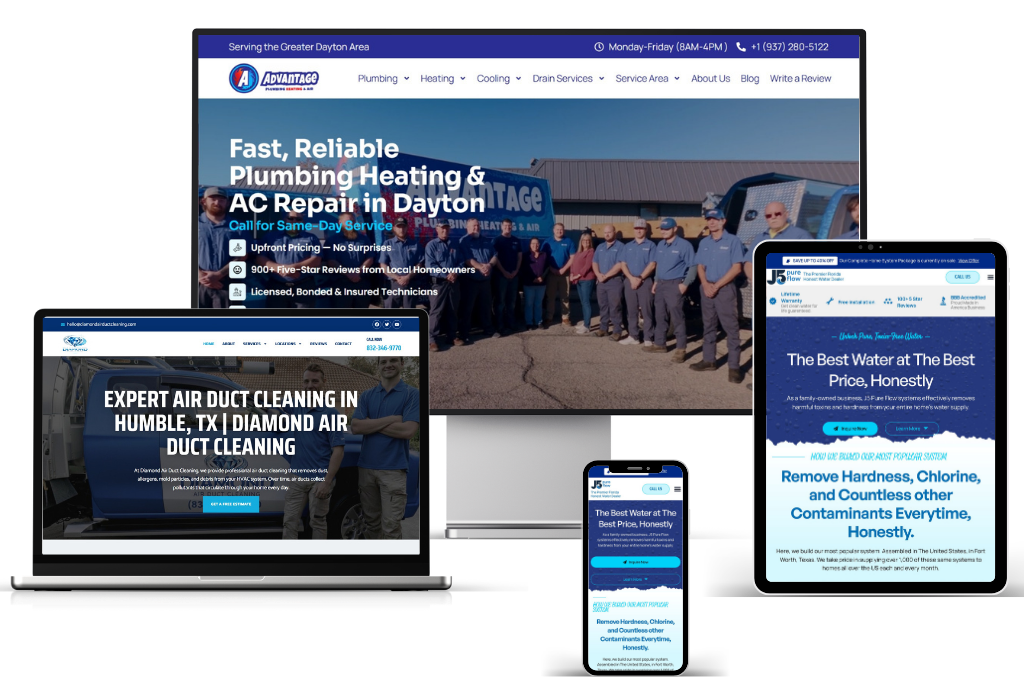
Fix: put the number at the top of every page as a tap-to-call link, and add a call button that stays on screen as the visitor scrolls. For emergency trades this one change often matters more than everything else on the list. You can see how I build HVAC and plumbing sites around it.
2. The site is slow on mobile
Test: run your homepage and your busiest service page through PageSpeed Insights and look at the mobile results.
Fix: Google’s Core Web Vitals targets are a main content load within 2.5 seconds, a response to taps within 200 milliseconds, and a layout shift score of 0.1 or less (web.dev). The usual culprits are oversized images, sliders, and plugins loading scripts on pages that do not use them.
3. The page does not match the search
Test: search for one of your services plus your town, for example “water heater repair” and the name of your city. If your result is the homepage or a general services page, the visitor has to hunt for what they came for.
Fix: give every main service its own page and every main area its own page. A homeowner who searched for a water heater repair should land on a page about water heater repair, with the phone number on it. You can see how I plan that structure on my service area pages.
4. Nothing proves you are local and real
Test: look at your homepage as a stranger would. Is there a real photo of you, your team or your vans? Can you see reviews with names? Is it clear which towns you cover?
Fix: replace stock photos with your own, show reviews with first names and towns, list your service areas, and put licence and insurance details where people can see them.
5. There is no single obvious next step
Test: count the buttons and links above the fold on your homepage. If there are more than two actions competing for attention, visitors hesitate.
Fix: choose one main action per page. On an emergency service page, that action is a call. On a page for planned work like a new system installation, it can be a quote form, with the phone number still visible.
6. The form is broken or too long
Test: fill in your own contact form on your phone and check that the email arrives. Count the fields while you do it.
Fix: ask only for what you need to call someone back: name, phone or email, and a short message. Make sure the form sends through SMTP rather than the server’s default mail function. When I rebuilt the site for Advantage Plumbing, Heating & Air, every form was set up to send through SMTP so enquiries reach the inbox.
7. The site attracts the wrong visitors
Test: open the Performance report in Google Search Console and look at the queries people used to find you. Check whether they are searches for your services in your area.
Fix: if most of your traffic comes from searches outside your area or for things you do not offer, visitor numbers will look fine and calls will not follow. Rewrite page titles and content around the jobs you want and the places you work.
8. The site was built to impress you, not the customer
Test: ask whether each part of the homepage helps a homeowner decide to call. Video backgrounds, animated counters and long company histories rarely do.
Fix: cut anything that slows the page down or pushes the phone number further down the screen. A plain site that loads fast and shows the number will usually beat a beautiful site that does not.
A 10-minute check you can run today
- Find and tap your phone number on your phone.
- Run your homepage through PageSpeed Insights on mobile.
- Search for your top service and your town, and note which page comes up.
- Count the real photos on your homepage.
- Send yourself a message through your own contact form.
- Check the queries report in Search Console.
If you run a plumbing business, Plumbing websites that get calls: 9 things they share goes deeper on the same problems.
A website does not need to be big to work
Victor at Signal Sprint Studio, a video content agency, had no clients before his website went live. He landed his first client within a week of launch. The site was not large. It was clear about what he did and made it easy to get in touch. You can read the Signal Sprint case study.
Frequently asked questions
What is a good conversion rate for a contractor website?
There is no reliable single figure, because it depends on the trade, the area and where the traffic comes from. The more useful comparison is your own site month to month. Record calls and form enquiries now, make one change, and compare the next month.
Should I redesign my website or fix the existing one?
Fix the existing site first if the problems are the phone number, forms, photos and page titles. A rebuild makes sense when the site is slow at its core, cannot have service or location pages added, or sits on a platform you cannot easily edit.
Will running ads fix a website that isn’t converting?
No. Ads send more people to the same pages. If those pages do not convert, you pay for the traffic and still get no calls.
Want me to look at your site?
My site audit costs $99. I check speed, mobile layout, forms, page structure and the problems above, and send you a list of what to fix first. I work EST hours and reply within 24 hours. Call +1 (239) 799-3971 or get in touch. If you need a new build, see how I approach WordPress websites for trades businesses.