A tree service website has two very different visitors. One has a tree lying across their driveway after a storm and needs someone today. The other has been looking at an overgrown oak for months and wants a fair estimate. Good tree service website design serves both. It puts the phone number first for the emergency, and gives the planner enough information and proof to request a quote.
This guide is for owners of tree removal, trimming and arborist businesses. It covers what the site needs, what customers look for before hiring a tree company, and how to get estimate requests with the details you need to price the job.
The short answer
- A tap-to-call number at the top of every page, with emergency hours stated.
- A page for each service you offer.
- Proof of insurance and certification, where people can see it.
- An estimate form that accepts photos.
- A page for each main area you cover.
- Photos of your own crews and jobs.
Give each service its own page
People search for the job they need done. A single services page cannot rank for all of them. Common pages for a tree company are:
- Tree removal
- Tree trimming and pruning
- Stump grinding and removal
- Emergency and storm damage tree removal
- Land and lot clearing
- Arborist assessments and tree health checks
On each page, explain how you do the job, what affects the price, whether you haul away the wood and debris, and how the customer’s property is protected while you work.
Make safety and insurance obvious
Tree work is dangerous. Homeowners who have done any research know that if an uninsured crew damages a roof or someone gets hurt, they can end up dealing with the consequences. Your website should answer that worry before they call:
- State that you carry liability insurance, and offer to send a certificate of insurance on request.
- Show certifications with the person’s name, for example ISA Certified Arborist from the International Society of Arboriculture.
- Mention any industry membership or accreditation you actually hold, such as the Tree Care Industry Association.
- Show the equipment you use, such as bucket trucks, cranes and stump grinders, in real photos.
Let customers send photos with their estimate request
Tree jobs are hard to price without seeing the tree. A form that lets people upload a few photos, add the approximate height and say how close the tree is to buildings or power lines saves you a site visit on some jobs. It also means you can prioritise urgent requests. Keep the rest of the form short: name, phone, address and a message.
Plan for storm calls
After a storm, calls come all at once. The website should make it easy to reach you and should set honest expectations:
- A clear emergency tree removal page with the number at the top.
- A space near the top of the homepage for a short availability notice you can update from your phone.
- Advice on what to do while waiting, such as keeping people away from fallen lines and calling the power company first.
Show your work properly
Tree work photographs well. Before and after photos of removals, crane lifts and cleared lots show the scale of what your crew can handle. Label each project with the town and the type of job. That helps people picture their own job and adds local relevance to the page.
Cover every area you work in
Google says local results depend mainly on relevance, distance and prominence (Tips to improve your local ranking on Google). If you work across several towns, create a page for each main one with local detail: projects you have done there, common tree species in the area, and reviews from local customers.
Avoid copying one page and changing only the town name. Google’s spam policies treat city pages that funnel visitors to the same place as doorway abuse (Google spam policies).
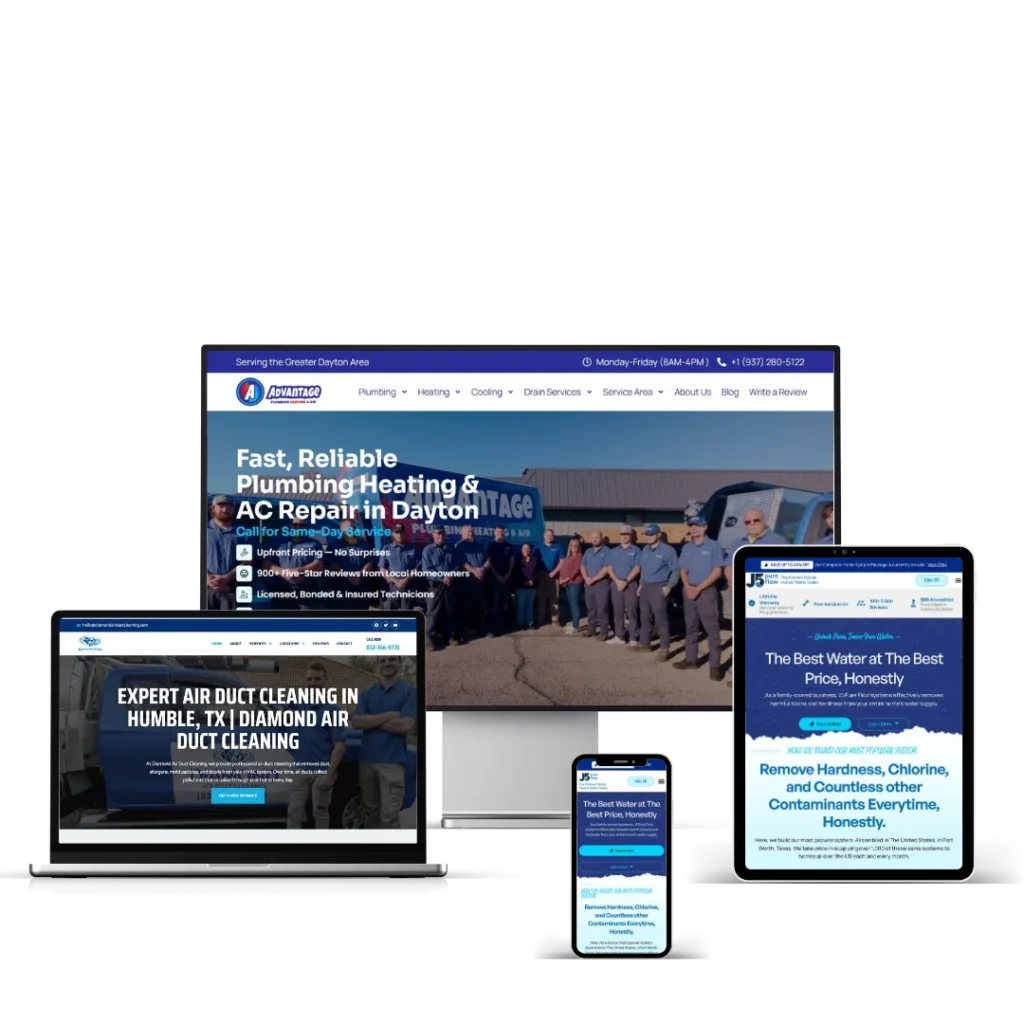
The same structure works across trades. The Diamond Air Duct Cleaning site I built in Houston has more than 50 location pages behind a 32-page build, and my service area pages show how I plan it for other trades.
Keep the site fast on a phone
Most people looking for tree services after a storm are on their phones. Google uses the mobile version of a site for indexing and ranking (Google Search Central), and its Core Web Vitals targets are a main content load within 2.5 seconds, a tap response within 200 milliseconds and a layout shift score of 0.1 or less (web.dev). Compress your job photos before uploading them.
Tree service website checklist
- Phone number visible and tappable at the top of every page.
- Emergency hours and availability stated honestly.
- One page per service.
- Insurance stated and certificates offered on request.
- Certifications shown with names.
- Estimate form with photo upload.
- Before and after photos labelled by town and job type.
- One useful page per main service area.
- Reviews with names and towns.
- Page speed checked on mobile.
Frequently asked questions
Should a tree service website show prices?
Exact prices are hard because every tree is different. It helps to explain what affects the price, such as height, access, proximity to buildings and whether stump grinding is included, and to give a typical starting point if you are comfortable doing that.
How many pages does a tree service website need?
Start with a homepage, one page for each main service, one page for each main area you cover, an about page with your insurance and certifications, and a contact page. A tree company with 6 services covering 6 towns would need around 15 pages.
How much does a tree service website cost?
My Starter build is $800 for up to 5 pages in 7 days, and the Business build is $1,400 for up to 10 pages with a custom design and SEO setup in 14 days. Sites with more service and location pages are quoted per project.
Get a quote for your site
I build WordPress websites for trades and service businesses and work EST hours. Call +1 (239) 799-3971 or send me a message, and I will reply within 24 hours. For more on why sites get visitors but no calls, read why your contractor website isn’t converting.